
NixOS has become my main operating system as of late. I tried Nix, the package manager, a long time ago and liked the concept! However, I was reminded about it existence a couple of years ago, and since then I have gradually ported my machines to NixOS, one by one. Currently, only the server you are receiving this website from remains on OpenBSD. I might migrate it too, but that would be a bigger project, as it is a machine I share with other family members, and OpenBSD is just such a great server OS!
The main thing which draws me to NixOS is the reproducibility and automation. I flake all my projects these days. That way my dependencies stay put, and I easily get a consistent development experience no matter which machine I sit down to code on.
Home Manager is another draw. I used to have a repo with all my config file and then manually symlink the files into the right location to update them between machines. This worked very well, but was a hassle to set up everytime I installed a new machine. Home Manager is a systematic solution where you write your config in Nix and it builds the config files and places them in the correct location! Many many programs have built in support, and if the particular program you want to configure does not have built-in support you can write your own, or just specify the config verbatim.
I had a bit of an adventure installing NixOS my work laptop durign Easter. I had not brought any USB stick to the cabin, so I was forced to look for an unconventional solution. I quickly disregarded nixos-infect because that shit should be illegal (I mean that in the most complementary sense!). On the other hand the kexec seemed more geared towards installing from a different machine. So I went the manual route of loopbacking the normal installation ISO image from Grub:
menuentry "NixOS Graphical Installer" {
    iso_path="/nixos-graphical-25.11.8478.bcd464ccd2a1-x86_64-linux.iso"
    export iso_path
    insmod lvm
    set root=(lvm/system-scratch)
    loopback loop $iso_path
    root=(loop)
    configfile /boot/grub/loopback.cfg
    loopback --delete loop
}
It was a bit fiddly, but I got it working! I even remembered to copy the image to RAM upon boot, so that it did not self-destruct during the installation ☺
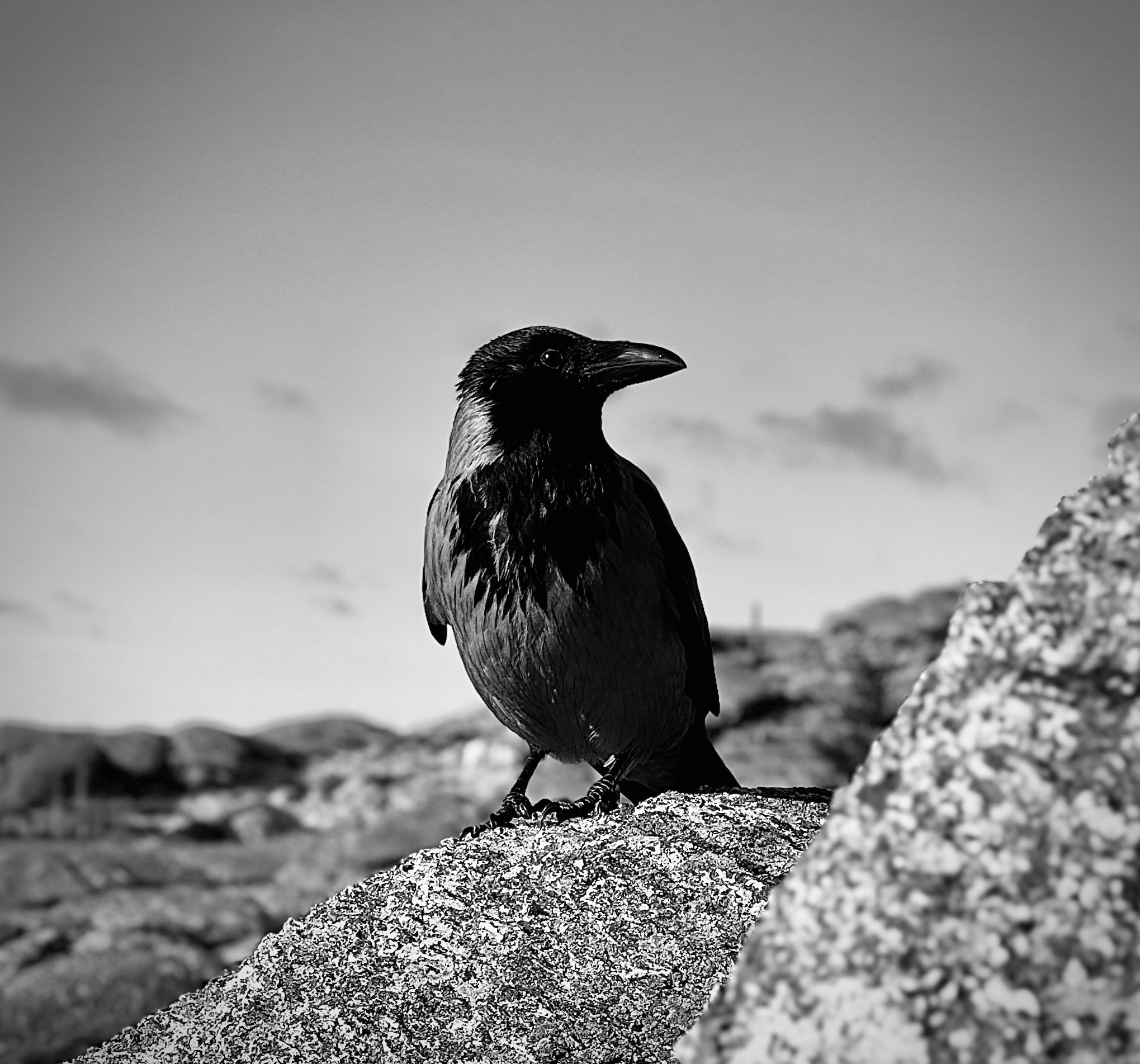
Crows might be my favourite bird. They look cool, they are smart and they are much more polite than, say, pigeons or seagulls. Having noticed that they all disappear from my neighbourhood at dusk, I found out that they do communal roosting at night. Isn’t that something?
The modern-looking Firefox does not arouse joy in my heart. So, I
decided to apply a bit of styling to it, using
userChrome.css and Firefox Color. The
userChrome.css I set globally for all my machines via Home
Manager, while I have been picking the colours individually for all
machines, to match their individual colour themes. On my laptop, I went
with a beige variant:
![Firefox on my laptop. [Zoom in 🔍]](/img/firefox-scaled.png)
As you can see, this screenshot was taken while I was looking into
what has been done about programming quantum computers using functional
programming languages. The left hand side of the window is occupied by
Tree
Style Tab – one of my absolute favourite Firefox extensions. The
font is EB Garamond Small Caps. One thing to note though, Tree Style Tab
is not affected by userChrome.css directly, but has its own
CSS styling in the advanced settings.
Expecting a comment section? Feel free to e-mail me your comments, or otherwise contact me to discuss the content of this site. See my contact info. You can also write your opinion on your own website, and link back here! ☺